
The TWN4 MULTITECH 3 M LF user manual introduces the features and specifications of the product.
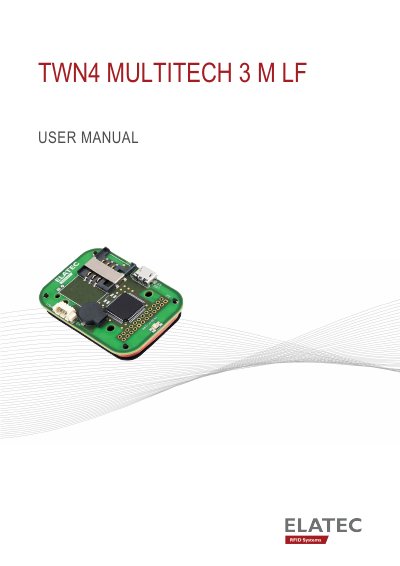
This user manual describes the TWN4 MultiTech 3 M LF, a compact RFID reader module from Elatec that integrates 125 kHz RFID read/write capabilities. The module is intended to be integrated into a host device and provides access to common host interfaces such as USB, serial (TTL) and I²C through an on-board connector. Applications mentioned include print solutions, healthcare applications, driver identification and POS integration.
The manual covers the scope of delivery, intended use, safety information for unpacking, handling, maintenance and disposal, technical data, and the reader's mode of operation from power up and enumeration through transponder detection and USB suspend mode. It also contains compliance statements for the EU, FCC, IC, China, the United Kingdom and other regions, plus an appendix with terms, abbreviations and relevant documentation.
| Power supply | 4.3 V - 5.5 V via micro USB; 3.3 V ± 5% via connector CNB |
|---|---|
| Current consumption | RF field on: 90 mA typically; sleep: 500 µA typ. |
| Antenna | LF antenna (125 kHz) |
| Antenna dimensions | 49 x 34 mm / 1.93 x 1.34 inch |
| Antenna number of turns | 123 |
It can be powered with 4.3 V to 5.5 V via micro USB, or with 3.3 V ± 5% via connector CNB. An external power supply must be a limited power source with a short-circuit current below 8 A.
The reader sends the ID to the host, sounds a beep, turns off the green LED, blinks the red LED for two seconds, then turns the green LED back on. During the two-second timeout the same transponder is not accepted again.
Installation should be done by trained and qualified personnel only, since the product is an electronic product whose installation requires specific skills and expertise.
Yes, the USB version supports the USB suspend mode. During suspend, no detection of transponders is possible and all LEDs are turned off until the host resumes normal operation.