
This document provides the user guide for MBTelehealth Room Kit Plus with Touchpad10.
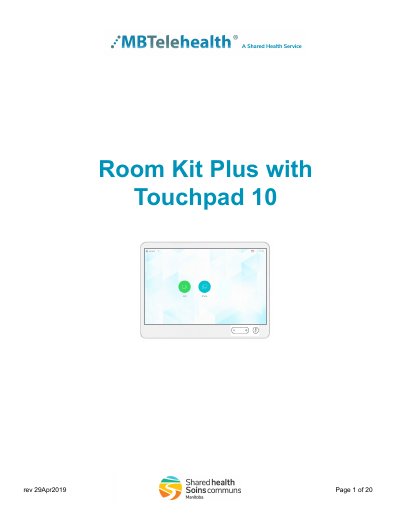
This user guide explains how to set up and use the MBTelehealth Room Kit Plus videoconferencing solution with the Touchpad 10 controller. The main components are the camera, codec, Ethernet cable, microphone, screen/monitor and Touchpad 10, and in some installations a router. The Touchpad 10 is used to place calls, adjust the volume, navigate screens and control all functions of the equipment, including camera movement.
The guide covers basic navigation, self-view and camera controls including presets, microphone muting and volume, site-to-site calls within and outside the MBT network, multi-site (MCU) event calls, and receiving and ending video calls. It also describes dual video enabled equipment, troubleshooting, and videoconferencing etiquette, and notes that the SX80 with Touch 10 setup includes three standard camera presets: Sign, Participant and Room.
| Standard camera presets | 3 (Sign, Participant, Room) |
|---|---|
| Incoming calls | Automatically accepted |
| Dual video | Two simultaneous live video feeds |
Press and hold the left side of the Volume button to decrease the volume and the right side to increase it.
Tap Microphone to mute/unmute it; green means unmuted and red means muted so the far site cannot hear you.
At the completion of every call, press End to disconnect.
Yes, it is configured to automatically accept all incoming connection requests, and the microphone mutes until the connection is made.