
This document describes the features and functions of the Smart TC° thermostat.
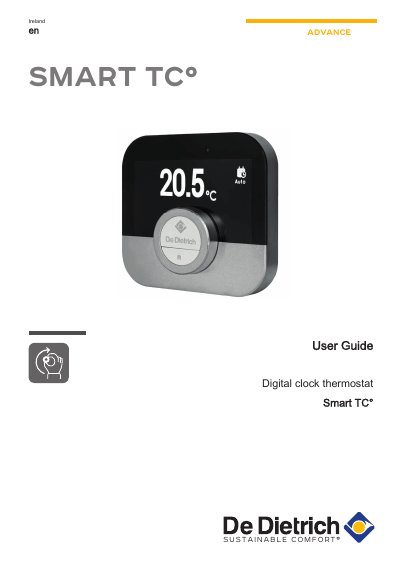
This user guide describes the Smart TC°, a digital clock thermostat from Advance Sustainable Comfort designed to operate as a room thermostat with the possibility to operate your heating system. It has a Wi-Fi connection, so the thermostat can also be operated with an app on a mobile device, and it can be connected to a home automation application.
The manual is intended for installers and end users. It explains how to use the rotary dial and the two buttons, how to change temperatures in manual or schedule mode, how to create temperature and holiday schedules, and how to customise settings such as hot water, child lock and the wi-fi connection. Later chapters cover installation, error messages, troubleshooting and technical information. The document is based on software version 1.47 for the Smart TC°.
| Software version | 1.47 |
|---|
Yes, the Smart TC° app is available for iOS, Android and Windows, and a home automation application can also be connected to the thermostat.
The Smart TC° has only two buttons, a select button and a home button, plus one rotary dial to scroll forward or backward.
It is designed to operate as a room thermostat with the possibility to operate your heating system, with a Wi-Fi connection to the Internet.
Long-press the select button from the home screen, then turn the rotary dial to select a menu item and short-press the select button to confirm.