
Navigator RDM Smart is a next-gen DMX controller able to manage 24 units up to 26 channels each, with a total of 36 chases with 100 steps per chase and 36 scenes. As a huge innovation for a compact controller, this board incorpo- rates RDM function to remotely address your RDM-com- patible units. Navigator.RDM.Smart also sports a USB port for data backup and firmware update and let the user to softpatch faders & control wheels easily. Last but not least, the controller has a built-in effect generator with complex effects & movement settings that can be run simultane- ously.
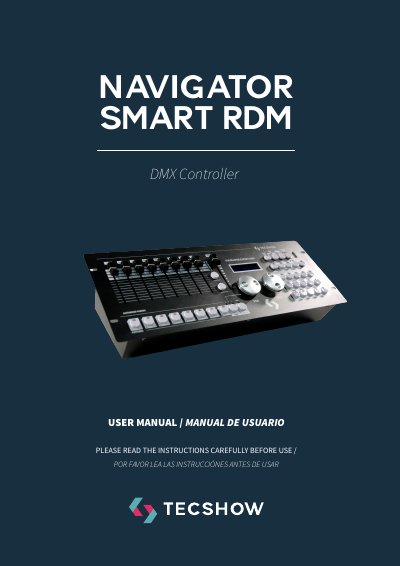
This manual describes the Navigator Smart RDM, a compact DMX controller that can manage up to 24 units with up to 26 channels each, with 36 programmable scenes and 36 chases of up to 100 steps. It incorporates RDM functionality to remotely address RDM-compatible units, and a USB port for data backup and firmware update.
The document explains the control layout (2 x 16-digit backlit LCD displays, 8 faders over 3 pages, 2 Pan/Tilt control wheels, 12 buttons, HSV knobs), how to patch fixture DMX start addresses and fader channels, and walks through the menu options including factory reset, fade mode, RDM DMX address setup, data backup and load, and sending fixture update files.
| DMX channels | 512 DMX channels - up to 24 units of 26 DMX channels |
|---|---|
| Scenes | 36 programmable scenes |
| Chases | 36 chases with 100 steps |
| Built-in effect programs | 12 |
| Display | 2 x 16-digit backlit LCD display |
| Faders | 8 faders for manual control, 3 pages |
| Control wheels | 2 control wheels for Pan & Tilt |
| Buttons | 12 buttons to execute 8 integrated movements + 4 color effects |
| Connections | 1 XLR-3 DMX output, 1 USB port, 1 power input |
| Dimensions | 483x171x89 mm / 19x6.7x3.5 in |
| Weight | 2.3 Kg / 5 Lbs |
It can manage 24 units with up to 26 DMX channels each, over a total of 512 DMX channels.
Yes, it incorporates RDM function to remotely address RDM-compatible units, and the menu includes an RDM DMX Address setup option.
In the menu, select "06. Data backup", confirm with ENTER, choose YES, then press a number button (1-12) to store the backup file; 12 files can be backed up.
Rotate the PAN wheel to locate "02. Reset factory", press ENTER, select YES or NO with the PAN wheel, then press ENTER to confirm.