
Linear Access Control reader combines RFID and Bluetooth technology.
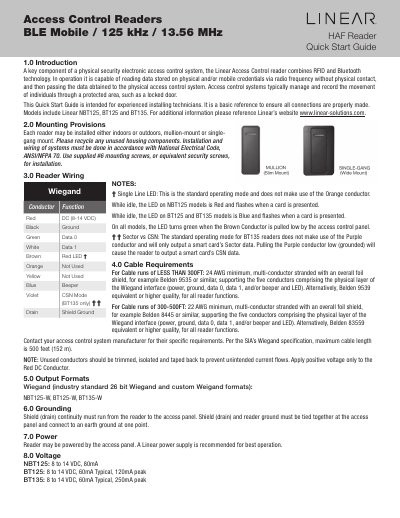
This quick start guide is intended for experienced installing technicians and covers mounting, wiring, cable requirements, grounding, power, voltage, connection, and troubleshooting for Linear NBT125, BT125, and BT135 access control readers. The readers combine RFID and Bluetooth technology to read physical and mobile credentials without contact and pass data to an access control system.
It includes conductor functions, output formats, troubleshooting causes and corrective actions, and regulatory compliance statements. The guide also lists operating temperature, humidity, and IP rating information.
| Voltage (NBT125) | 8 to 14 VDC, 80mA |
|---|---|
| Voltage (BT125) | 8 to 14 VDC, 60mA typical, 120mA peak |
| Voltage (BT135) | 8 to 14 VDC, 60mA typical, 250mA peak |
| Cable gauge under 300 ft | 24 AWG minimum |
| Cable gauge 300-500 ft | 22 AWG minimum |
| Maximum cable length | 500 feet (152 m) |
| Operating temperature | -31°F to +150F° (-35°C to +66°C) |
| Operating humidity | 0% to 90% relative humidity |
| IP rating | IP67 |
It beeps four times and the LED shines red or blue.
The maximum cable length is 500 feet (152 m).
Verify cabling, power, card technology, grounding, and power supply; if needed, power the reader separately.
The access panel controls LED functionality, such as switching the LED to green.