
This document describes the features of the Arcam DV137 DVD player. The player has the following features: 1. It is lightning-proof, so it can be used even in thunderstorms. 2. It is dust-proof, so it can be used even in dusty environments. 3. It is waterproof, so it can be used even in water.
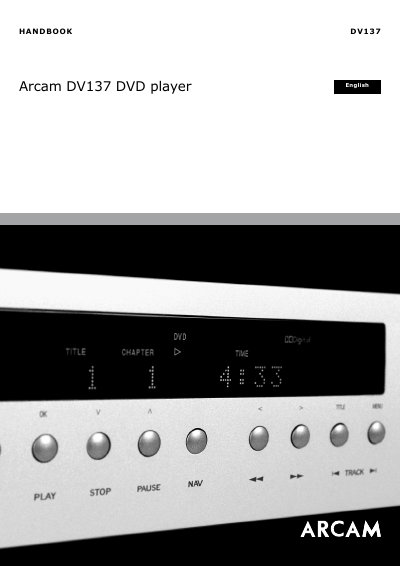
This handbook provides safety guidelines and operating instructions for the Arcam DV137 DVD player. It covers installation and video/audio connections, basic operation with the front-panel controls and the supplied CR-515 and CR-415 remote controls, and configuration through the player's set-up menus including operational, video, audio, speaker, delay and trim settings.
Further sections describe DVD/VCD special playback modes, the CD disc navigator screen, connecting via the HDMI interface, troubleshooting, remote-control codes, technical specifications, supported disc types and the guarantee. The player incorporates Dolby, DTS, DivX and Macrovision copyright protection technologies and meets the IEC 60065 international electrical safety standard.
| Video output options | Composite, S-Video, Component, SCART, HDMI |
|---|---|
| Safety standard | IEC 60065 |
| Device class | Class I (must be earthed) |
| Audio decoding | Dolby and DTS under license |
The DV137 has five video output options: composite, S-Video, component, SCART and HDMI, of which you need only use one type supported by your display device.
Yes, two video connections can be used simultaneously, for example routing one connection to a second room or display. The composite and SCART outputs are always active, and the HDMI output is active only if a compatible display is detected.
A composite video connection gives the lowest-quality output; other connection types are advised if the display device supports them.
Unplug the unit from the mains and wipe the case with a soft, damp, lint-free cloth. Do not use paint thinners, chemical solvents, or furniture cleaning sprays or polishes.