
PW INDICATOR OF ONLY WEIGHT LABELING MANUAL USER VER. 1 (2011/03) introduces the features and characteristics of the product.
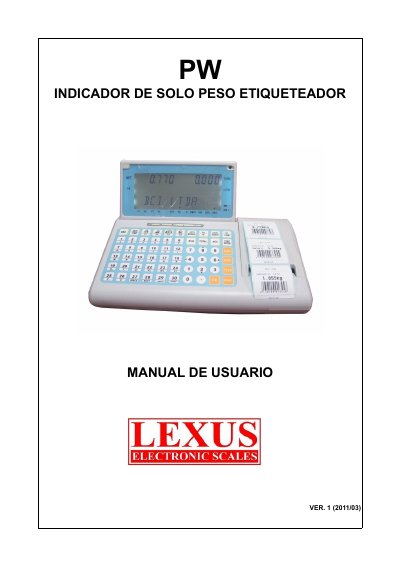
This document is the user manual for the PW Weight Indicator, a device used for weighing and labeling. It provides instructions on how to configure parameters such as label format, weighing mode, and RS232 communication settings via dip switches and the keypad. The manual also details the process for programming PLUs (Product, Client, Plate, and Operator data) and assigning them to specific keys. This manual is written in Spanish.
| Label formats | 55x25mm, 55x50mm, 55x75mm |
|---|---|
| Barcode types | EAN 13, Code 39, Code 128 |
Label format 1 has dimensions of 55x25mm.
PLUs are used to store information for the most-used items and are related to the product name, customer name, and plate number.
Before configuring the indicator, you must select the type of paper to be used by changing the jumpers.
To access F4 TECH, enter four zeros “0000” and confirm.