
The document describes the setup and operation of the Model 1133A Power Sentinel.
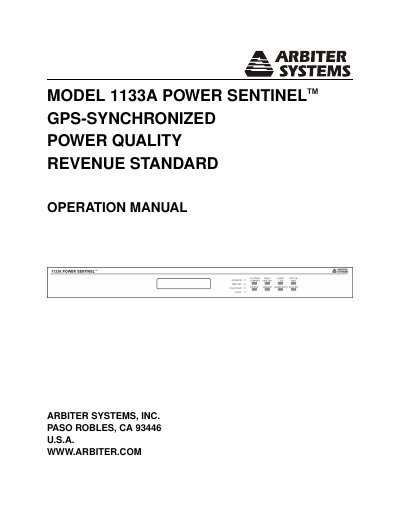
The Model 1133A Power Sentinel is a GPS-synchronized power quality revenue standard made by Arbiter Systems, Inc. of Paso Robles, California. This operation manual describes the set up and operation of the instrument and is written for units having a ROM date of 11 June 2012 or later; the ROM date (firmware version) can be shown by holding down the STATUS key after power-on for three seconds, and firmware updates are available by download from the Arbiter web site.
The chapters cover unpacking and rack-mount ears, front and rear panels and their connectors, connecting inlet power and voltage/current signals, GNSS antenna and cable information, and startup operation and indication. Further chapters cover the PSCSV software for starting, connecting and logging in, configuring the 1133A, triggers and downloading event records, broadcast and scheduled data, DNP 3.0 and Modbus data structures, CT calibration, and appendices on Ethernet connections, surge arresters, an IRIG primer, CE mark certification and uploading firmware.
| Option 03 power input | 110 to 350 Vdc terminal power strip, surge withstand |
|---|---|
| Option 04 power input | 10 Vdc to 60 Vdc only, terminal power strip surge withstand |
| Timing input | GNSS antenna or IRIG-B input |
Press and hold down the STATUS key after power-on for three seconds; the ROM date, which is the firmware version, is then displayed.
Firmware updates are available to customers by download from the Arbiter web site.
Arbiter Systems products are guaranteed against defective materials and workmanship under normal use, and written notice of a claimed defect must be received within two years.
It describes the set up and operation of the Model 1133A Power Sentinel.