
This is a user manual for OPTIKA microscopes.
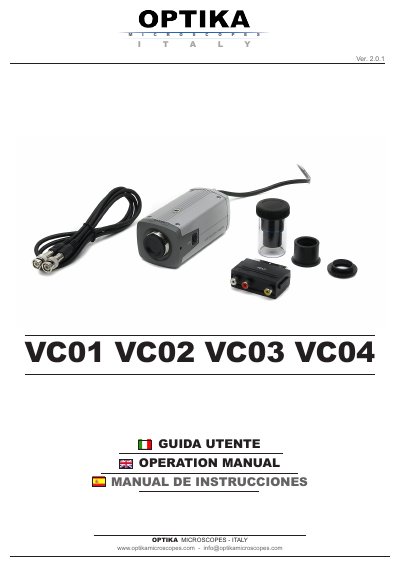
This operation manual, version 2.0.1, covers the OPTIKA VC01, VC02, VC03, and VC04 microscope cameras. It begins with safety warnings on handling the camera, avoiding magnetic fields and heat sources, and cleaning the CCD sensor and lens.
The manual then provides technical specifications, describes the camera parts and controls, including the C/CS lens mount, back-focus ring, BNC video output, and VD/DD auto-iris setting, and gives installation instructions. It ends with environmental disposal information. This manual is written in Italian.
| Video signal format | NTSC/PAL |
|---|---|
| Video output | BNC VBS 1.0 Vp-p, 75 ohm |
| Lens mount | C or CS mount with back-focus adjustment |
| Operating conditions | 0°C to 50°C, 20% to 80% RH |
| Power consumption | 5 W max. |
| White balance | Digital auto adjustment |
| Auto iris | Switchable Video Drive / Direct Drive |
It accepts C or CS mount lenses and includes a back-focus adjustment ring.
It provides a BNC VBS output at 1.0 Vp-p into 75 ohm.
The camera is specified for 0°C to 50°C and 20% to 80% RH.
Set the VD/DD selector to VD for Video Drive or DD for Direct Drive.