
RB19P Two Way Radio User Manual introduces the features and使用方法 of the product.
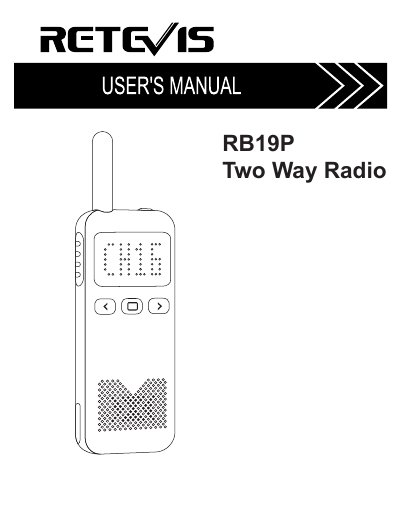
The Retevis RB19P is a GMRS two-way radio. This user manual describes its controls, standard accessories, charging, menu operation, functions, channel frequencies, technical parameters, and warranty.
Functions described include scanning, keyboard lockout, monitoring, NOAA, VOX, time-out timer, busy channel lockout, high-low power, battery saving, low battery warning, companding, CTCSS/DCS, and alarm. The manual also lists approved accessories and safety information.
| Frequency range | GMRS |
|---|---|
| Supply power | DC3.7V |
| Memory channels | 30 |
| Antenna | Internal Antenna |
| Configuration | Co/Differ-frequency |
| Work mode | Simplex Communication |
| Ground method | Cathode |
| Working temperature range | -30°~+60° |
| Output power | ≤3W |
| Modulation mode | FM(F3E) |
| Maximum frequency deviation | ≤5KHz |
| Spurious radiation | ≤7.5μW |
| Preemphasis | 6dB Per Octave |
| Emission current | ≤1800mA |
| Sensitivity | 0.16μV(12dB SINAD) |
| Audio power | ≥300mW |
| Audio distortion | ≤5% |
| Intermodulation interference resistance | ≥60dB |
| Receiving current | ≤300mA |
| Standby current | ≤20mA |
The technical parameters list 30 memory channels.
The working temperature range is -30° to +60°.
Yes, VOX can be voice activated so the user does not have to press the PTT key.
When Side Key 2 is programmed to scanning, long press the key for two seconds to enter scanning mode.