
Instruction manual for digital wood moisture meter
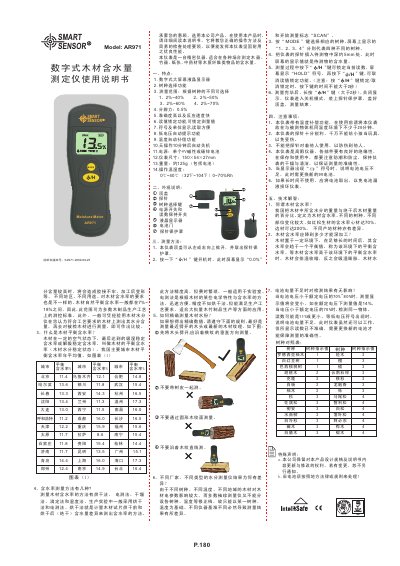
The SENSOR SMART AR971 is a digital wood moisture meter intended for measuring the moisture content of wood, bamboo, paper, Chinese medicinal materials, and similar wood-fiber items. The Chinese instruction manual describes its features, part names, measurement steps, precautions, and technical questions and answers.
The meter has a large digital LCD, wood species selection with settings 1–4, measurement ranges of 2%–40%, 2%–50%, 2%–60%, or 2%–70% depending on species, 0.5% resolution, reading hold, low-battery indication, automatic temperature compensation, and automatic power-off after 10 minutes of no operation. It uses a single 9 V alkaline or carbon-zinc battery, measures 150 × 54 × 27 mm, and weighs about 125 g including the battery. This manual is written in Chinese.
| Measurement range | 2%–40%, 2%–50%, 2%–60%, or 2%–70% depending on wood species |
|---|---|
| Power source | Single 9 V alkaline or carbon-zinc battery |
| Dimensions | 150 × 54 × 27 mm |
| Weight | Approximately 125 g including battery |
| Operating temperature and humidity | 0°C–40°C (32°F–104°F), 0–70%Rh |
| Automatic power-off | After 10 minutes of no operation |
Depending on the selected wood species, the range is 2%–40%, 2%–50%, 2%–60%, or 2%–70%, with 0.5% resolution.
Press the MODE key to select the wood species; the display shows 1, 2, 3, or 4 for the four different species settings.
Insert the probe about 5 mm into the material being measured; the displayed value is its moisture content.
Replace the battery with a new 9 V battery, because the reading may become inaccurate when battery voltage is low.