
This manual describes the maintenance methods of KV-PF21DK7/PF21M70/PF21N70/PF21P70/PF21Q40/PF21Q70/PF51P40 televisions.
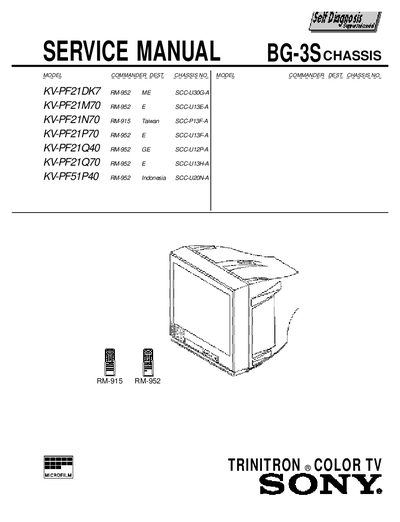
This Sony service manual provides detailed information for the KV-PF21DK7 television chassis, including specifications such as power requirements, audio output, picture tube size, and dimensions. It also lists safety warnings and component part numbers required for safe repair.
The manual explains the self‑diagnostic function, how to interpret standby/timer lamp flash codes, and step‑by‑step procedures for disassembly, adjustments, circuit repairs, and part replacement. Diagrams, exploded views, and an electrical parts list are included to aid technicians.
| Power requirements | 110-240 V AC, 50/60 Hz |
|---|---|
| Power consumption | Indicated on the rear of the TV |
| Television system | B/G, I, D/K, M |
| Color system | PAL, PAL60, SECAM, NTSC4.43, NTSC3.58 |
| Audio output | 3W |
| Picture tube size | 21 inch |
| Dimensions (W×H×D) | 490 x 458 x 487 mm |
| Mass | 25 kg |
When an error occurs, the standby/timer lamp flashes a set number of times, each count corresponding to a diagnostic code that points to the probable cause of the problem.
Turn off the power switch on the TV main unit or unplug the power cord from the outlet.
Press the remote commander buttons in the sequence shown in the manual (Channel =-> 0) to reset the display to “0”.