
The PCAN-USB X6 is a CAN bus interface card with 6 channels, supports multiple baud rates, and supports multiple operating systems.
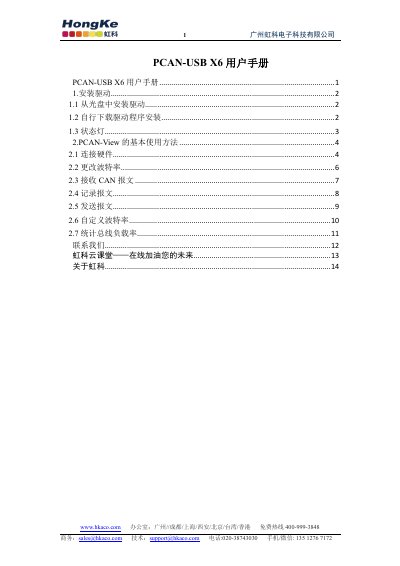
PEAK System PCAN-USB X6 is a six-channel CAN interface for a PC. This manual explains driver installation from the supplied CD or PEAK System's website, LED status meanings, and basic PCAN-View operation.
It covers connecting hardware, changing baud rates, receiving and logging CAN messages, and notes such as the 120 ohm CAN termination resistor and avoiding USB extension cables. This manual is written in Chinese.
| CAN channels | 6 |
|---|---|
| CAN termination resistor | 120 ohm between CAN_H and CAN_L |
| Recommended clock frequency (non-CAN FD) | 24 MHz |
| Recommended clock frequency (CAN FD) | 20 MHz, 40 MHz, or 80 MHz |
| USB status LED (green on) | Power supply and USB upstream connection exist; device ready for use |
Insert the CD, choose English, open Drivers, click Install now, and follow the prompts.
It means a power supply and USB upstream connection exist and the device is ready for use.
Yes, a 120 ohm resistor is needed between CAN_H and CAN_L.
No, the manual says not to use a USB extension cable with the PCAN-USB X6 adapter.