
This is an air purifier that can filter dust, pollen, pet hair, etc. from the air. It is suitable for home and office use.
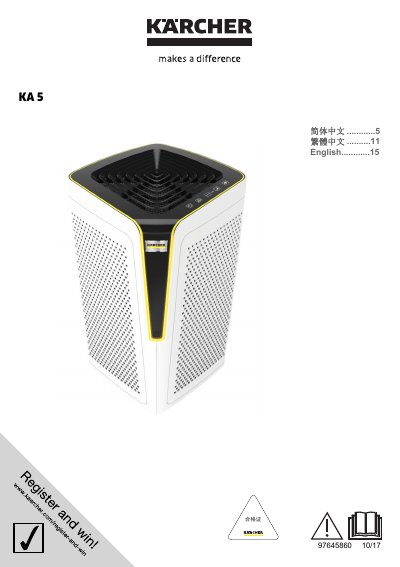
This is the operating manual for the Karcher KA 5 air purifier, issued under document number 97645860 and covering the model variants KA 5 /UNI5408/UNI683c/UNI8bc1. The manual is provided in Simplified Chinese, Traditional Chinese and English. It describes the device as an air purifier intended for private, indoor use only, and lists its parts including the filter front cover, pre-filter, HEPA filter, air outlet, control panel, air quality indicator, air quality sensor cover and power cable socket.
The document explains the control panel keys for power on/off, manual mode, automatic mode and night mode, the filter change indicator and the WIFI status indicator, followed by care and maintenance instructions for the housing, the filters and the air quality sensor. It closes with a troubleshooting section listing faults such as the device not working or the air quality indicator staying red, a list of special accessory filters with part numbers, and the product specifications. This manual is written in Chinese.
| Power supply voltage | 220 - 240 V |
|---|---|
| Frequency | 50/60 Hz |
| Power consumption | 11 W (level 1), 26 W (level 2), 56 W (level 3) |
| Dimensions (length x width x height) | 380 x 380 x 713 mm |
| Weight without accessories | 11.2 kg |
| Sound power level | 62 dB(A) |
Blue means the air quality is very good, yellow means medium and red means poor.
In standby mode, press and hold the filter indicator for 5 seconds to complete the reset.
The air quality sensor should be cleaned every two months, and more often if the device is used in a very dusty environment.
Manual mode lets you switch between 3 fan speed levels by pressing the key repeatedly.