
This document describes the Genset Controller Unit Model EMS -GC10 Operator's Manual.
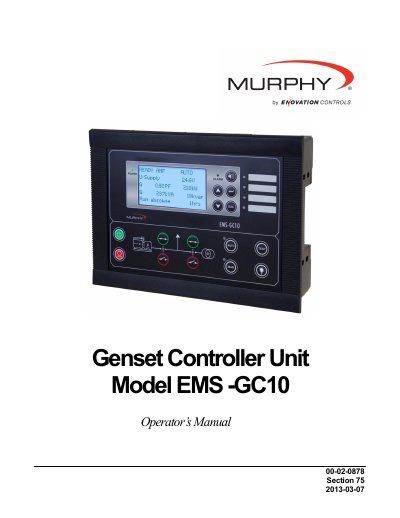
The EMS-GC10 Operator's Manual (part number 00-02-0878) covers operation of Murphy's Automatic Genset Controller. It is intended for the person responsible for setup and operation, and describes general product information, display readings, push-button and LED functions, alarm handling, and the log list.
The controller provides control and monitoring for industrial genset applications and supports Automatic Mains Failure and generator breaker control. It can support mechanical and J1939 electronic engines, offers Modbus RTU on the RS485 port, and supports programmable logic with up to 40 expressions. Operating parameters are field-adjustable through the controller or the Utility Software PC configuration tool.
| Programmable logic expressions | Up to 40 |
|---|---|
| Engine support | Mechanical and J1939 electronic engines |
| Communication | Modbus RTU on RS485 port |
| Mains failure and breaker control | Automatic Mains Failure (AMF) and generator breaker control |
It is Murphy's Automatic Genset Controller, providing control and monitoring for industrial genset applications.
It can support both mechanical and J1939 electronic engines.
The controller offers Modbus RTU protocol on the RS485 port.
They can be changed through the controller or the Utility Software PC configuration tool.