
Internet Radio is a radio system integrated digital audio playback that functions with network connectivity. The system can play MP3/WMA audio files, USB devices and internet radio services such as World Station and SHOUTCast which provide above 15,000 internet radio stations. Internet Radio also supports audio streaming via UPnP Media Server.
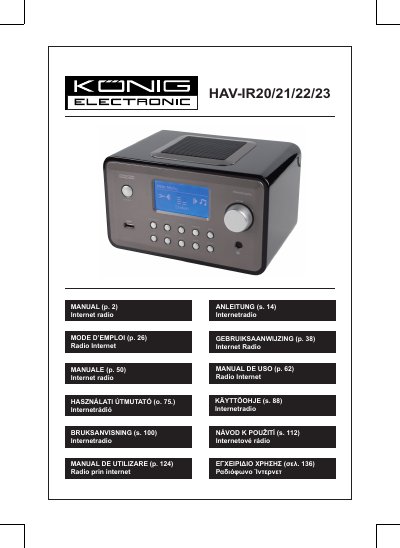
The HAV IR20/21/22/23 is an Internet Radio system that can play MP3/WMA audio files, USB storage devices, and internet radio services including World Station and SHOUTCast. It also supports audio streaming from a UPnP Media Server.
The manual covers installation, LAN and WLAN setup, network status, and playback. It describes Ethernet 10/100 Mbps and optional IEEE 802.11 b/g Wi-Fi dongle connections, DHCP or static IP, WEP/WPA encryption, and recording internet radio audio to 128K MP3.
| Audio formats | MP3, WMA (ID3V1 and ID3V2) |
|---|---|
| USB storage | Standard USB Mass Storage device (FAT16/32) |
| Recording format | 128K MP3 |
| Ethernet | 10/100 Mbps |
| Wireless LAN | IEEE 802.11 b/g dongle |
| Encryption | WEP64/128, WPA-TKIP-PSK, WPA2-AES-PSK |
| Power supply | AC 110V~240V/50-60Hz |
| Network default | DHCP |
| Alarm | Two alarm clock settings |
It supports MP3/WMA audio files, USB flash drives, World Station and SHOUTCast internet radio, Podcasts, and AUX input.
Insert a Wi-Fi USB adapter, open Network, select Connect, switch LAN to WLAN, select Wizard, and press ENTER/OK.
It records internet radio audio into 128K MP3 format.
The proper voltage for the Internet Radio is AC 110V~240V/50-60Hz.