
This document is about the M12™ soldering iron user manual.
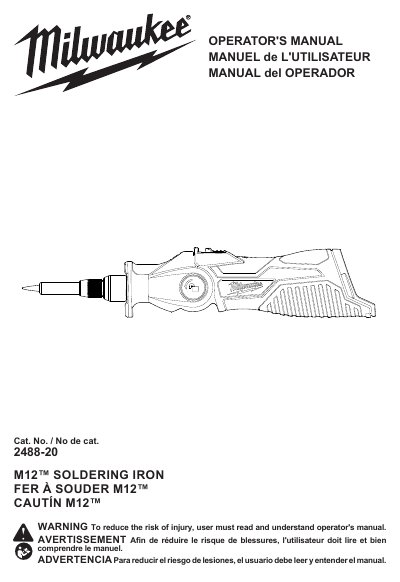
The Milwaukee 2488-20 M12™ Soldering Iron Operator's Manual covers the cordless soldering iron that runs on an M12™ battery and M12™ charger. It gives the general power tool safety warnings and the specific safety rules for the soldering iron, including keeping hands and fingers behind the finger guard and setting the tool on its side when not in use.
The manual lists specifications such as 12 V DC, 90 W maximum average heater power and a 750°F set tip temperature, and describes the parts of the tool. It also explains how to remove and insert the battery, change the soldering tip, rotate the head and solder, including what the temperature indicator light means.
| Cat. No. | 2488-20 |
|---|---|
| Volts | 12 DC |
| Battery Type | M12™ |
| Charger Type | M12™ |
| Average Heater Power (Max) | 90 W |
| Set Tip Temperature | 750°F |
| Replacement Point Tip | 49-80-0400 |
| Replacement Chisel Tip | 49-80-0401 |
| Recommended Ambient Operating Temperature | 0°F to 125°F |
The tool uses an M12™ battery type and an M12™ charger type.
After the tip cools and the tip temp indicator is off, remove the battery pack, unscrew the nut and remove the nut and barrel, replace the tip, then reinstall the nut and barrel and tighten securely.
A blinking green light means the tool is heating, and a solid green light means solder melt temperature of 400-750°F.
Press in the rotation button and rotate the head to the desired angle.