
DJI SkyLine v1.9 User Manual, introduces the installation and operation instructions of the UAV.
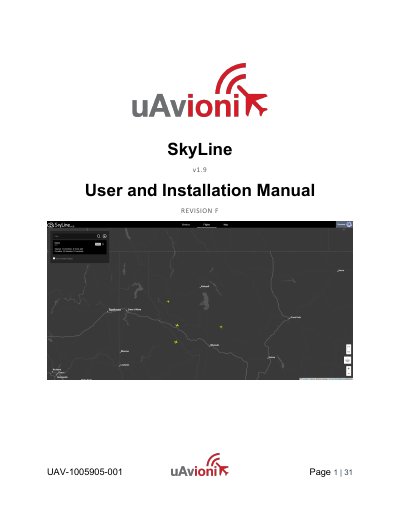
SkyLine is a cloud-based command and control infrastructure management service from uAvionix for UAS and UAM applications. The manual describes the SkyLine web UI, device registration for ground radio, air radio and pingStation, flight creation and operation, connecting a ground control station, and ending a flight.
The document also includes revision history, warnings and disclaimers, limited warranty information, and support contact details.
SkyLine is an enterprise command and control infrastructure management service for critical UAS and UAM applications. It is a cloud-based platform that communicates in real time with CNPC link components.
Open a web browser and enter the SkyLine domain name assigned to you by uAvionix.
Press “End Flight” in the flight window. This releases the ground and aircraft radios from the mission and returns them to a Standby state.
The measure tool lets you draw multiple points and measure the distance between them. Clicking the map adds points, and Shift+Click removes a point.