
This manual describes the features and specifications of the PeakTech® 1400 - 1404 Digital Storage Oscilloscope.
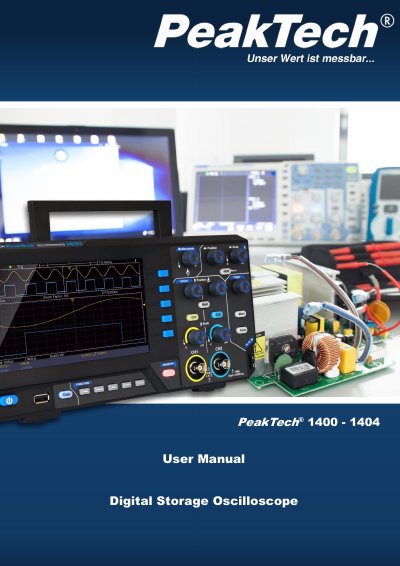
This user manual covers the PeakTech 1400, 1401, 1402, 1403, and 1404 digital storage oscilloscopes. It includes general safety requirements, safety terms and symbols, and a quick start guide to the front panel, rear panel, control area, and user interface.
The manual also explains advanced functions such as vertical and horizontal system settings, trigger system, math and FFT functions, waveform saving and recall, firmware updates, automatic and cursor measurements, PC communication, demonstration examples, troubleshooting, and technical specifications.
| Bandwidth (1404) | 100 MHz |
|---|---|
| Channels | 2 channels |
| Input impedance | 1 MΩ±2%, in parallel with 20 pF±5 pF |
| Max. input voltage | 400V (DC+AC, PK-PK) |
| Probe attenuation factor | 1X, 10X, 100X, 1000X |
The 1404 model has a bandwidth of 100 MHz.
The oscilloscope has 2 channels.
The maximum input voltage is 400V (DC+AC, PK-PK).
Yes, the USB Device port can be used to connect a PC to the oscilloscope.