
The CONNEXTM User Guide describes how to setup and use the CONNEXTM wireless video link in order to transmit video from an aircraft.
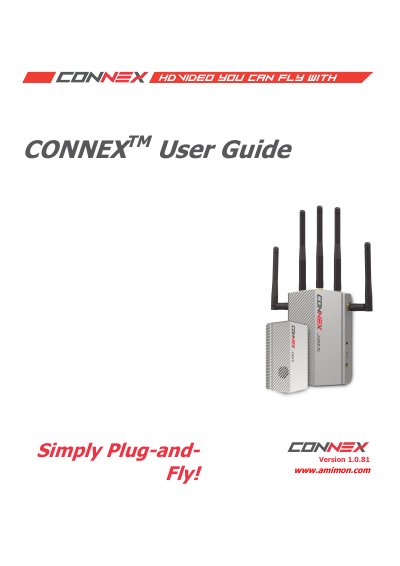
AMIMON CONNEX provides a wireless HD video connection for unmanned air or ground platforms and transmits video in real time to a Ground Unit located up to 1,000 meters away. The Air Unit can multicast video to up to four Ground Units simultaneously.
The guide covers system components and connectors, Air Unit and Ground Unit setup, Ground Unit on-screen display, multicasting, aircraft camera gimbal control, the CONNEX Management Application, firmware upgrades, and safety and regulatory information.
| Maximum link distance | Up to 1,000 meters |
|---|---|
| Simultaneous Ground Units | Up to four (multicast) |
| Operating temperature | 14–122°F (-10 to 50°C) |
The serial number appears on the label on the bottom of each device.
The Air Unit can transmit video to up to four Ground Units simultaneously.
The unit operating temperature is 14–122°F (-10 to 50°C).
Support is available at www.AMIMON.com/support.