
The CW14Q1P is a device that is suitable for use in non-tropical areas below 2,000 meters. It is also drop-proof, dust-proof and waterproof.
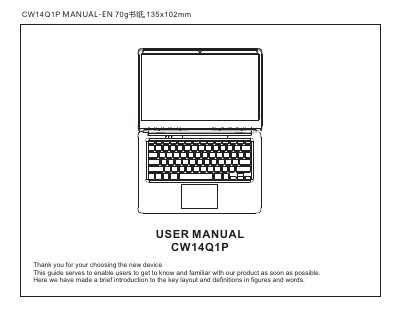
CW CW14Q1P is a Windows 10 device with a 14-inch TN LCD, Intel Cherry Trail Z8350 processor, 2G RAM, and 32 GB ROM. The manual introduces its controls, ports, and Windows 10 interface.
It also covers precautions before use, basic operations such as sleep and restart, cleaning guidance, and an FCC statement.
| Display | 14-inch TN LCD (1366*768) |
|---|---|
| Wi-Fi networking | IEEE 802.11 b/g/n |
| Audio output | 3.5mm headphone |
| USB host | 1x USB 3.0, 1x USB 2.0 |
| Operating system | Windows 10 |
| Battery | Rechargeable Li-poly battery |
| Adapter | DC IN 5V, 2.5A |
| Processor | Intel Cherry Trail Z8350 |
| RAM | 2G |
| ROM | 32 GB |
| Speakers | 2x1W speakers |
| Bluetooth | 4.0 |
| HDMI | MINI HDMI x1 |
Use the built-in 5V/2.5A charger.
Short press the power button.
Clean it with dry soft cloth tissue paper.
The display is a 14-inch TN LCD with 1366*768 resolution.