
The MI-909T is a digital stereo rack transmitter with the following features: 1. Advanced digital audio transmission technology for clear, noise-free sound. 2. Strong anti-interference capability for stable operation even in complex environments. 3. Easy to operate, just connect the transmitter and receiver to use. 4. Compact and lightweight for easy portability.
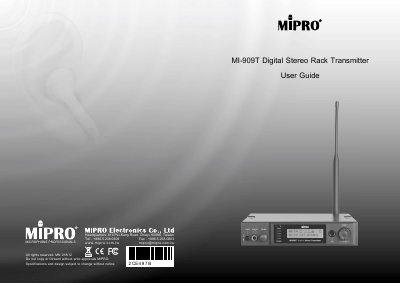
The MIPRO MI-909T Digital Stereo Rack Transmitter User Guide describes safety instructions, disposal, antenna installation options, power-on steps, audio input connections, headphone monitoring, and LCD panel operation. It also explains menu settings for group and channel, user frequency, RF power, AF sensitivity, AF input, sound mode, equalizer, and name setting.
The guide includes warnings about hearing damage and FCC/IC compliance, and notes that RF power levels vary by region or country. It documents controls such as the rotary control knob, power button, ACT sync button, and LCD screen icons.
| DC input | 12~15 V |
|---|---|
| Power supply | 12~15 VDC, 0.5 A |
| Loop output connectors | 6.3 mm TRS |
| Audio inputs | XLR and 6.3 mm TRS |
| RF power settings | High power, RF off, or low power |
| Frequency adjustment | 1 MHz or 25 kHz increments |
| Equalizer adjustment | -9 dB to +9 dB in 3 dB increments |
| Name setting | Up to 10 alphanumeric characters and symbols |
Press the Power Button to the ON position; the backlight lightens and displays various parameters.
Connect the supplied 12~15VDC / 0.5A power supply and cable to the DC Input Jack.
Set RF POWER to RF OFF; this enables no RF power emitting without powering off the transmitter.
Minimize the volume level before inserting headphones; prolonged exposure to loud sounds can cause permanent noise-induced hearing damage.