
This is a user manual for Nebula Mars II Pro, which introduces the product's safety instructions, setup, connection and other content
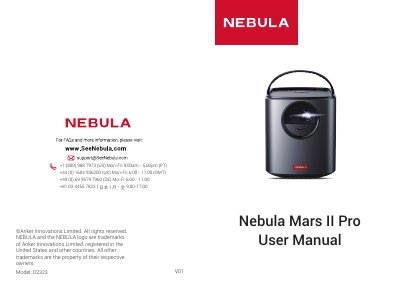
The Anker Nebula Mars II Pro (model D2323) is a portable projector with a built-in battery, HDMI and USB inputs, Bluetooth speaker mode, and auto focus/keystone correction. The manual provides safety instructions, power supply guidelines, and details on the included accessories such as the power adapter, remote control, and lens cover.
It explains initial placement (1–3 m projection distance), remote control battery activation, charging the built-in battery, and using the Nebula Connect app for smartphone control. The settings section covers Wi-Fi and Bluetooth pairing, projector mode selection (front, rear, ceiling), app management, language, sleep timer, and firmware updates.
| Projection distance | 1–3 m (39.4–118 in) |
|---|---|
| Power input | DC IN via provided power adapter |
| Video input | HDMI |
| USB port | USB storage / power bank |
| Audio output | 3.5 mm audio out |
| Auto keystone correction | Enabled/disabled in settings |
| Auto focus | Enabled/disabled in settings |
| Built-in battery | Rechargeable, not user-replaceable |
The projector should be placed 1 to 3 meters (39.4 to 118 inches) from the projection surface.
Go to Settings > Network on the home menu and follow the on-screen instructions to complete the network connection.
Press and hold the RESET button on the rear of the projector for 3 seconds.