
This manual provides instructions on how to use the Pro Ears Stealth 28 HT.
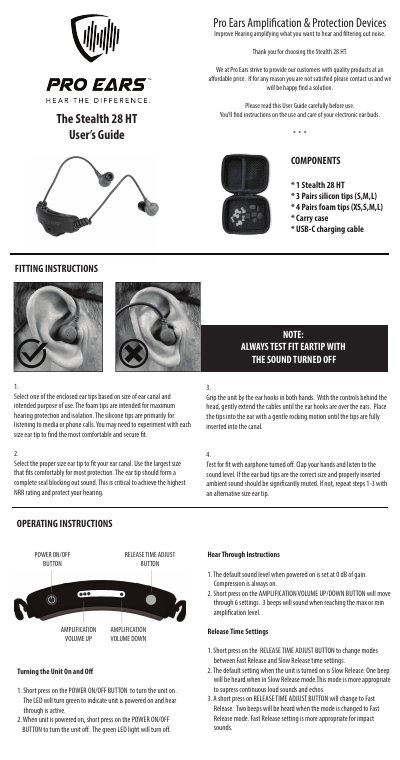
The Pro Ears Stealth 28 HT is an electronic ear bud device intended to amplify wanted sounds and filter out noise. The guide lists the included components and explains how to select and fit silicone or foam ear tips for a proper seal.
It then covers turning the unit on and off, hear-through amplification volume, release time settings, USB-C charging, low battery warning, care instructions, warranty and service contacts, and FCC/RF statements. The battery is listed as 200 mAh 0.74 Wh and UN 38.3 tested for carry-on air transport.
| Battery | 200 mAh, 0.74 Wh lithium-ion |
|---|---|
| Battery life | Approximately 25 hours |
| Charging time | Approximately 2 hours |
| Charging port | USB-C |
| Amplification volume settings | 6 settings |
| Default gain | 0 dB |
| Low battery warning | Voice prompt at 5% remaining |
Short press the POWER ON/OFF button to turn it on; the LED turns green. When the unit is on, a short press of the same button turns it off.
It moves through 6 settings. Three beeps sound when the maximum or minimum amplification level is reached.
Slow Release is the default and is more appropriate for suppressing continuous loud sounds and echoes. Fast Release is more appropriate for impact sounds.
Charging takes approximately 2 hours. The LED turns red while charging and turns off when the unit is fully charged.