
This document is a user manual for vein smart lock, including precautions, operating methods and setting methods
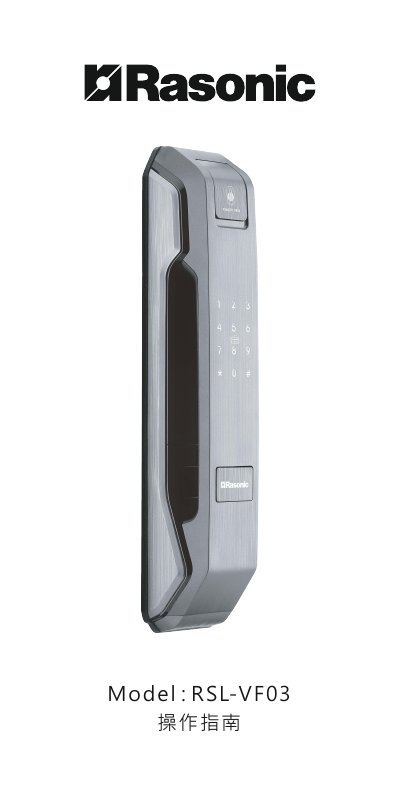
This is the operation guide (操作指南 / 使用說明書) for the RSL-VF03 finger vein smart lock. It opens with safety precautions for the lock and its lithium battery, then explains the correct way to place a fingertip in the vein sensor and the first-time setup steps: setting the door opening direction (#2#), the auto-lock threshold (#0#) and changing the default administrator password 123456.
The guide then walks through the keypad menus for user management, system settings, network settings, volume, delayed locking and lock threshold, including how to change the administrator, restore factory settings (by menu or by removing the battery and long-pressing the rear pause button), and quickly add or delete users. Later sections cover the beep meanings, 2.4G WiFi configuration within a 1 m range, panel buttons, the #8# Chinese/English switch, a two-year warranty handled by 信興電器服務中心有限公司, and a table of basic parameters for the lock. This manual is written in Chinese.
| Model | RSL-VF03 |
|---|---|
| Power source | Lithium battery, nominal voltage 7.4 V |
| Unlock methods | Finger vein, password, electronic key card, key, phone |
| False rejection / false acceptance rate | <0.1% / <0.0001% |
| Emergency power | Micro USB interface, 5 VDC |
| Suitable door thickness | 40 mm to 90 mm |
| Suitable door types | Wooden doors, security doors, copper doors |
| Users supported at the same time | Up to 4 |
The default administrator password is 123456; changing it clears all registered user information.
Enter #2# and verify, or remove the battery, long-press the pause button on the rear lock body and refit the battery until the factory reset prompt is heard.
Enter #8# on the keypad.
A 2.4G band WiFi network, with the lock, phone and router within 1 meter during configuration.