
ePACT2 user guide, provide register, login, analysis operations guide
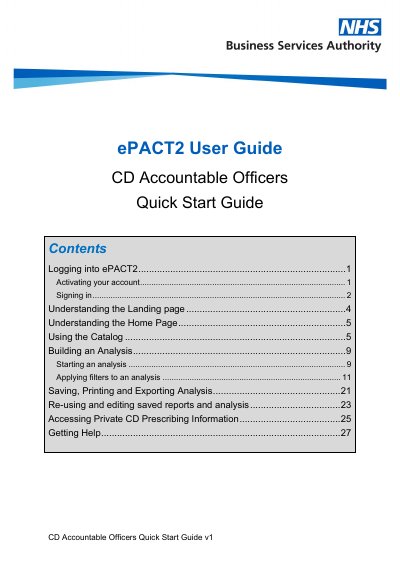
The CD Accountable Officers Quick Start Guide provides step-by-step instructions for users of the NHSBSA ePACT2 prescribing analysis system. It covers account activation, signing in, understanding the landing and home pages, using the catalog to manage saved content, building and filtering analyses, saving and exporting reports, and accessing private controlled drug prescribing data.
The guide also describes how to edit saved analyses, delete catalog content, and where to find additional training materials and WebEx sessions provided by the NHSBSA.
| Supported browsers | Latest fully updated version of chosen Internet Browser |
|---|---|
| Access URL | https://www.nhsbsa.nhs.uk/epact2 |
Additional user guides and WebEx training sessions are available on the NHSBSA website; links are provided in the Getting Help section of this guide.
After receiving an email with account details and a temporary password, enter the user ID and temporary password, then set a new password and select three security questions with answers for password reset.
Go to https://www.nhsbsa.nhs.uk/epact2, select 'Access ePACT2', then enter your registered email address and password on the sign-in page.
Open a new analysis, select columns for time period, prescriber, Area Team, BNF presentation, and Private Controlled Drug Items, and add filters to limit the time period and show only private controlled drugs.