
This document provides instructions on how to use the Nero Bluetooth Titanium Clock Radio. It describes the product's features and characteristics.
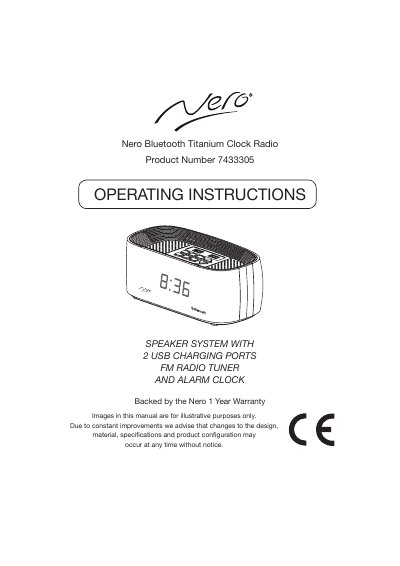
Nero 7433305 is a Bluetooth clock radio speaker system with an FM tuner, alarm clock, and two USB charging ports. The manual covers controls, power and backup battery setup, clock and alarm settings, Bluetooth pairing, radio tuning and presets, AUX input, sleep timer, and specifications.
The unit operates from a DC 5V 3A supply through the built-in DC jack with an external AC-DC adaptor rated 100-240V, 50/60Hz. It includes a dimmer, single-day alarm with buzzer or radio modes, a 9-minute snooze, sleep timer settings from 10 to 90 minutes, and FM reception from 87.5 to 108 MHz.
| Power supply | DC 5V, 3A through built-in DC jack; external AC-DC adaptor 100-240V, 50/60Hz |
|---|---|
| Speaker | 2" x 2 |
| FM frequency range | 87.5-108 MHz |
| USB-1 charging output | 5V/2000mA |
| USB-2 charging output | 5V/1000mA |
| Bluetooth range | 30 feet |
| Backup batteries | 2 AAA cells (UM-4/LR03) |
| Snooze period | 9 minutes |
| FM memory positions | 20 |
| Alarm modes | Buzzer and radio |
| Dimmer levels | High brightness, low brightness, off |
Switch the unit to standby, hold the clock set key for 3 seconds, choose 12-hour or 24-hour format, then set the hour and minute.
Enter 0000 if the device asks for a pass code.
Snooze temporarily suspends the alarm for 9 minutes.
The radio has 20 memory positions for stored stations.