
This document is the user manual of RCU640 remote control unit
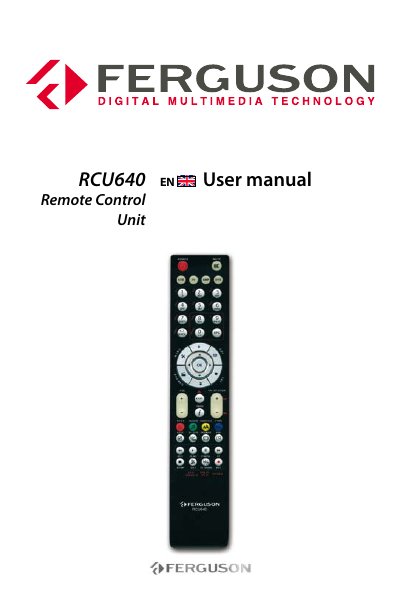
The Ferguson RCU640 Remote Control Unit user manual begins with safety information and notes for using the device. It describes the RCU640 as a sophisticated electronic device and states that the product is not suitable for children under 18 years.
The manual explains how to set up a TV by brand name code, automatic search, or manual search, including entering a 4-digit device code and saving the code. It also covers displaying the stored TV code and resetting or deleting TV setup data with code 9990.
| Device code length | 4 digits |
|---|---|
| Setup mode timeout | 15 seconds |
Switch on the TV, find your TV brand code in the code list, press the TV button for three seconds, then enter the 4-digit device code. If the POWER button LED goes out, the remote has accepted the code.
If the POWER button LED flashes twice, the code is incorrect; start again from step 2 and re-enter the correct code from the list.
Press the TV button for three seconds, then enter the 4-digit device code 9990. All the set-up data and commands for TV in the remote control are deleted.
Press and hold the TV button while pressing number buttons 1 to 4. The POWER button flashes to show the thousands, hundreds, tens and ones of the 4-digit code.