
This file describes how to register as an external user of SEI, including the registration steps, registration methods, and information that needs to be filled in when registering.
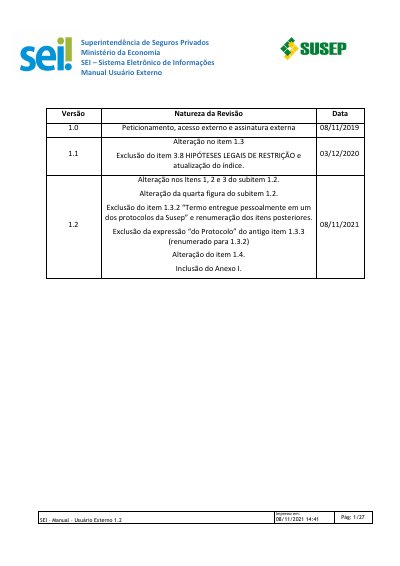
This manual is for external users of the Susep SEI (Sistema Eletrônico de Informações) system. It explains external user registration, including the declaration term, document delivery options, login, password recovery and the initial screen.
It also covers electronic petitioning for new and intercurrent processes, allowed file formats and sizes, digitization and OCR, external access to processes, and external signature of documents. This manual is written in Portuguese.
| Support email | [email protected] |
|---|---|
| Principal document format (new process) | |
| Essential and complementary document formats (new process) | pdf, zip and jpeg |
| Intercurrent petitioning formats | pdf, zip and jpeg |
| Maximum file size | 50 Mb |
Access the Susep website, open the menu, choose 'Usuário Externo - Sei' under 'CIDADÃO', then click 'Cadastrar como usuário externo' if not already registered.
Sign the term with an ICP-Brasil digital certificate and send the digitally signed PDF by email.
pdf, zip and jpeg.
It creates an invisible text layer that allows the document content to be indexed and searched.