
Scout is a visualization tool that allows users to view real-time process data over the Internet or a local intranet. Scout consists of two parts: Scout Outpost and Scout VT. Scout Outpost contains documents, graphics and data collector called InterNetDDE. Scout VT is the browser which uses Microsoft Internet Explorer as its gate to the internet data. Scout can perform a number of different functions using various data agents, some of which are retrieving process data from Intouch Trend PMCS data, displaying Intouch Screen (in next version) and retrieving real-time data from an Excel worksheet.
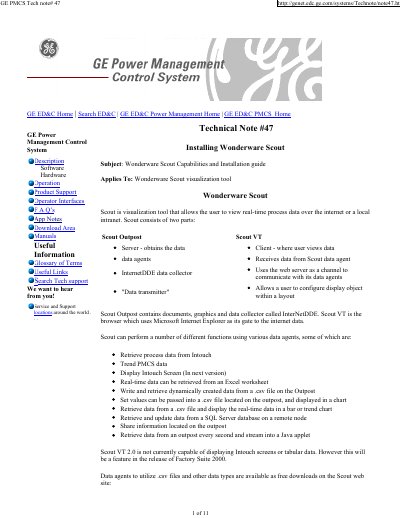
This GE ED&C Technical Note #47 is an installation guide for Wonderware Scout, a visualization tool that lets users view real-time process data over the internet or a local intranet. Scout is described as having two parts: Scout Outpost and Scout VT.
The document covers installing Scout Outpost with Microsoft Peer Web Services, setting permissions, and configuring NetDDE shares. It also explains installing Scout VT, configuring Intouch for use with Scout VT, and viewing the Wonderware and ED&C demo outposts.
| Components | Scout Outpost and Scout VT |
|---|---|
| Data collector | InterNetDDE |
| Scout VT browser requirement | Microsoft Internet Explorer 3.01 or higher |
It is a visualization tool that allows the user to view real-time process data over the internet or a local intranet.
Scout consists of Scout Outpost and Scout VT.
No, Scout VT 2.0 is not currently capable of displaying Intouch screens or tabular data.
It requires Microsoft Internet Explorer 3.01 or higher.