
Punjab Medical Council Permanent Registration User Manual

The manual introduces the requirements and precautions for doctor registration
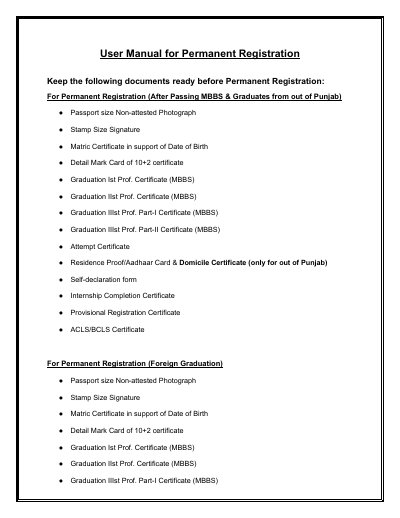

Punjab Medical Council Permanent Registration User Manual - cover page
Brand
Punjab Medical Council
Document type
Other
Language
English
Pages
14
File format
PDF
File size
1.3 MB
Published
03 November, 2023
Updated
03 November, 2023
MD5 checksum
2364077F2B5080C24368E1C93ACDEAEA

About this manual

This manual explains how applicants create a profile, complete the permanent registration application, upload required documents, pay the fee, and submit or lock the application.

It also covers application status checks, payment verification, resuming an application, and delivery of the permanent registration certificate.

What's inside

  • Documents required for permanent registration
  • Profile creation and OTP verification
  • Permanent registration after passing MBBS
  • Permanent registration for graduates from out of Punjab
  • Permanent registration for foreign graduates
  • Document upload and payment
  • Application status and certificate delivery

Frequently asked questions

What is the maximum allowed size of each uploaded document?

The maximum allowed size of each document is 2MB.

How is the permanent registration certificate delivered?

It is delivered by post to the registered address, with intimation sent to the registered email address, or it can be collected in person from the PMC.

What should an applicant do if payment is deducted but no confirmation is received?

The applicant should go to the Payment History tab and click the Verify Payment button to check the status.

Can an application be resumed before final submission?

Yes, the applicant can resume and re-edit the application anytime until final submission by using the Resume Application button under Application Status.

Download PDF (1.3 MB)