
This document is the user manual of Okuma CNC drejning
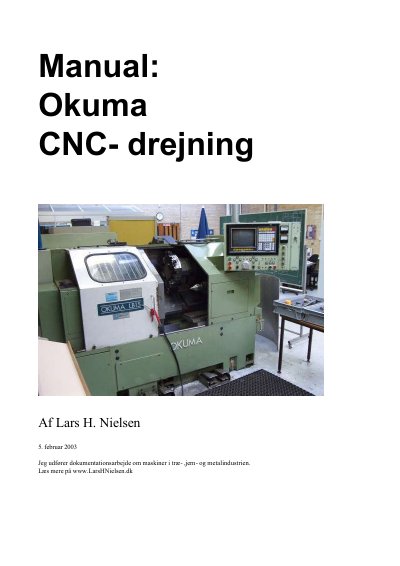
Manual for the Okuma LB 15 CNC lathe written by Lars H. Nielsen. It describes machine startup, sending NC programs between a PC and the machine, quick and detailed simulation, workpiece coloring, tool data entry, and starting tested programs.
It also covers manual machining, program editing and file handling, restarting by line number, error messages, machine parameters, control panel menus, tool lists, and programming codes including G-codes and M-codes.
| Droop control value range | 0 to 1.000 mm |
|---|---|
| Standard droop setting | 10 my |
| Tool type choices | 26 |
| X-axis zero offset | X 8295.638 |
The program is output through the NC-link program on the PC, then loaded on the Okuma panel using Edit aux, data transfer, and load functions.
It checks program errors in the workpiece contour outside and inside and collision risk with the chuck, but not zero points or wrong steel dimensioning.
The droop value can be set from 0 to 1.000 mm on the control panel via a parameter.
The control is delivered with 10 my as the standard value.