
This manual is the user manual for Mikado LOGO 200 helicopter, which mainly introduces the assembly, maintenance and other content of the helicopter.
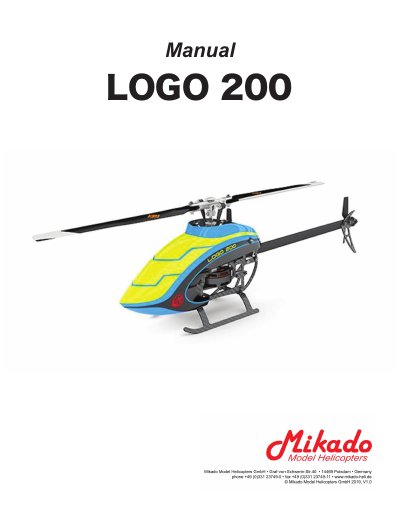
The Mikado LOGO 200 manual gives assembly and safety instructions for the RC helicopter. It covers the main frame, rotor head, tail motor and boom, servo mounting, VBar NEO mini wiring, main and tail blades, battery, canopy and a spare parts list.
Mikado notes that the helicopter is a high-performance, dangerous and complex machine and is not a toy. The manual requires all screws to be secured and recommends Loctite 243 (blue); it also says to remove the main and tail rotor blades before programming or radio tests.
| Battery | 3s 650mAh 45C, 22 x 25 x 58 mm |
|---|---|
| Main shaft bearing | 4 x 9 x 4 mm; quantity 2 |
| Rotor head thrust bearing | 3 x 6 x 2.8 mm |
Mikado recommends securing glue Loctite 243 (blue) and says to follow the Loctite manufacturer's recommendations and allow proper curing time.
Always remove the main and tail rotor blades, because the model may spool up unintentionally.
Check the proper functioning of the motor, the ESC and the VBar, with the main and tail rotor blades removed for safety.
The manual points to the LOGO-Forum on www.vstabi.info and the Mikado support hotline by email or phone.