
This document is the electronic version of the INS-MP7 operating manual, which introduces the characteristics, functions and operation methods of INS-MP7.
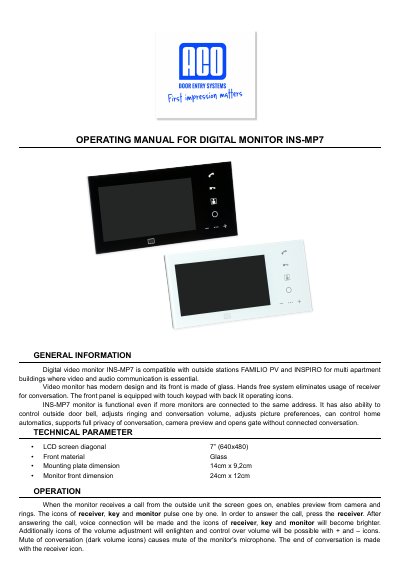
This operating manual describes the ACO INS-MP7 digital video monitor, a hands-free monitor with a glass front and a back-lit touch keypad. The monitor is compatible with the FAMILIO PV and INSPIRO outside stations for multi-apartment buildings where video and audio communication is needed. It can control an outside door bell, adjust ringing and conversation volume and picture settings, control home automatics, and open a gate without a connected conversation.
The manual explains how calls are answered with the receiver icon, how the e-lock and additional output are activated, how camera preview and automatic door opening work, and how the monitor indicates a busy line. It also covers configuration of brightness, saturation and volume, the door bell function, and the storage of used electrical equipment.
| LCD screen diagonal | 7” (640x480) |
|---|---|
| Front material | Glass |
| Mounting plate dimension | 14cm x 9,2cm |
| Monitor front dimension | 24cm x 12cm |
It is compatible with the FAMILIO PV and INSPIRO outside stations for multi apartment buildings.
Press the receiver icon; the voice connection is made once the call is answered.
Touch the key icon. This is possible during a conversation and in standby, but not when the line is busy.
Press and hold the key icon for at least 5 seconds; the action is confirmed with 4 short peep tones and a bright key icon.