
This user manual provides EpoX BlueTooth Dongle users with guidance on Bluetooth device identity, installation, basic operations, etc.
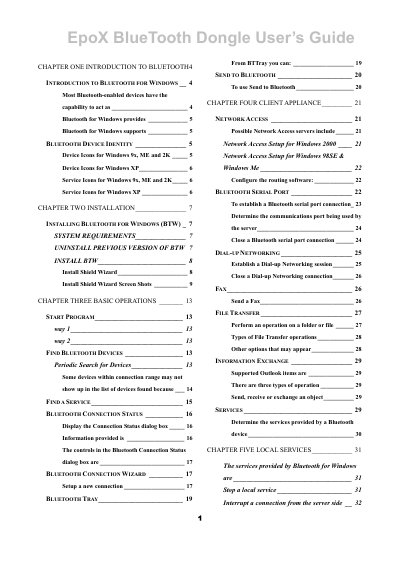
This guide covers the EPoX BlueTooth Dongle Bluetooth adapter and the Bluetooth for Windows (BTW) software. It introduces Bluetooth client and server roles, device identity, supported Windows versions, and installation.
It then explains basic operations such as finding devices and services, client services including network access, Bluetooth serial port, dial-up networking, fax, file transfer and information exchange, local services, the configuration panel, security settings, and troubleshooting.
| System requirements | Runs under Microsoft Windows 2000, Windows 98 Second Edition (SE), and Windows Millennium Edition (Me) |
|---|---|
| Bluetooth device address | Unique 48-bit binary address burned into ROM; cannot be changed by the end-user |
| User-friendly name length | Up to 99 alphanumeric characters, may contain spaces |
It is called the client.
Any previous version of the BTW software must be uninstalled first.
It is a unique 48-bit binary address burned into a device's ROM, and the end-user cannot change it.
It may be up to 99 alphanumeric characters and may contain spaces.