
This document introduces the features and functions of LIKA CKQ programmable encoders, as well as how to use them, including connecting the encoder and setting parameters.
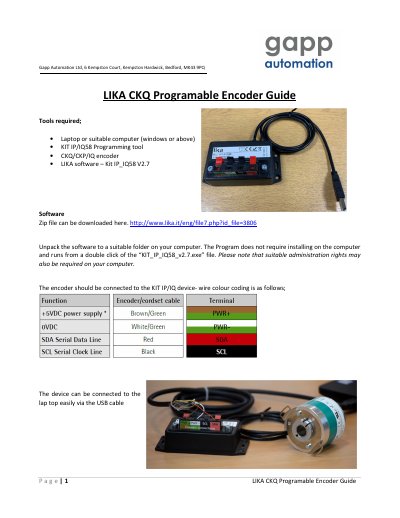
LIKA CKQ Programmable Encoder Guide describes how to set up a LIKA CKQ programmable incremental encoder using the KIT IP/IQ58 programming tool and LIKA software. It covers connecting the encoder, identifying default values, and changing parameters such as resolution and counting direction.
The guide also explains index length and index position settings, notes that maximum RPM depends on resolution, and describes how to refresh parameters and clear communication errors.
| Default resolution | 1024 ppr |
|---|---|
| Index length | 90° to 180° |
| Index pulse | Once per revolution |
| Counting direction | CW or CCW |
| Maximum RPM | Varies with resolution |
An encoder with default settings shows a resolution of 1024 ppr.
Click the resolution value, overwrite it with the new value, then press Enter to send it to the encoder.
It changes the index pulse length from 90° to 180°.
Click Clear Error after using Read to refresh the parameters.