
This is a user manual for Evaporative cooler Elite 14 / Elite 28, introduces the features and usage of the product
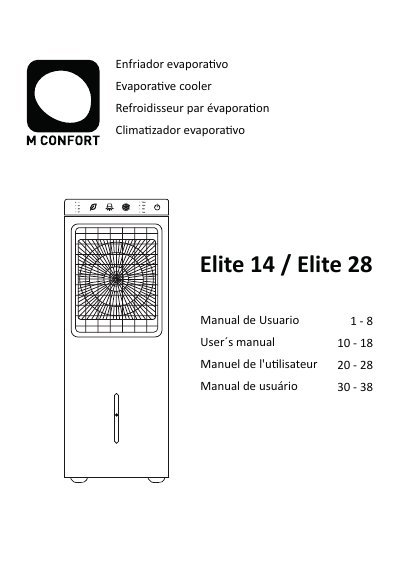
This manual covers the MCONFORT Elite 14 / Elite 24 evaporative cooler. It describes the structure and control panel, safety cautions, and operating mode, including power, swing, four fan speeds, anion, timer and cool functions.
It also covers cleaning the dust filter, cooling pads and water tank, filling and draining water, a troubleshooting table, and technical information and product appearance for the Elite 14 and Elite 24 models. This manual is written in French.
| Air volume (Elite 14 / Elite 24) | 1.400 m/hr / 2.400 m/hr |
|---|---|
| Coverage (Elite 14 / Elite 24) | 25m / 35m |
| Power (Elite 14 / Elite 24) | 62W / 120W |
| Water tank capacity (Elite 14 / Elite 24) | 13 L / 26 L |
| Fan speed | 4 speeds |
| Fan type | Axial |
| Dimensions (Elite 14 / Elite 24) | 32 x 27 x 86 cm / 43 x 37 x 106 |
| Net weight (Elite 14 / Elite 24) | 8,0 Kg / 12 Kg |
| Remote control (Elite 14 / Elite 24) | Yes / Yes |
Press the fan speed icon on the control panel or remote to set the wind speed to low (1), medium (2), high (3) or turbo (4). The four speed lights indicate the current speed.
Each press of the timer icon changes the setting through 1H, 2H, 4H and 8H. The appliance turns off automatically after the selected time.
Water can be filled through the top opening of the top cover, and it will go to the water tank. Alternatively, remove the tank, fill it to the maximum level, and push it back completely into the cooler.
Clean the cooling pads with normal water and clean the dirt with a soft brush. Remove the rear shutter with the dust filter and remove the cooling pad before cleaning.