
This is a user manual for a battery monitor.
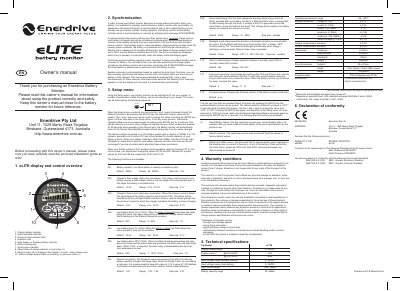
This owner's manual describes the Enerdrive eLITE battery monitor, including its display and control overview, synchronisation procedure, and Setup menu Functions.
It also lists warranty conditions, a declaration of conformity, and technical specifications for the monitor and included shunt.
| Supply voltage range | 9..35 VDC |
|---|---|
| Supply current | 7 mA @24 VDC, 9 mA @12 VDC |
| Input voltage range (auxiliary battery) | 2..35 VDC |
| Input voltage range (main battery) | 0..35 VDC |
| Input current range | -999..+999 A |
| Battery capacity range | 20..999 Ah |
| Current measurement accuracy | ±0.4% |
| Voltage measurement accuracy | ±0.1% |
| State-of-charge accuracy | ±0.3% [3 sec] |
| Protection class | IP20 (front panel only IP65) |
| Warranty period | 24 months |
Press both < and > keys simultaneously for three seconds.
It automatically returns to Normal Operating Mode after 90 seconds without saving changes.
Enerdrive warrants the product for 24 months from the date of purchase.
Use the r.F Reset Functions item, change its value from OFF to ON, then return to Normal Operating Mode.