
Instructions on how to install the light guide in the OmniCure® S2000 Elite system
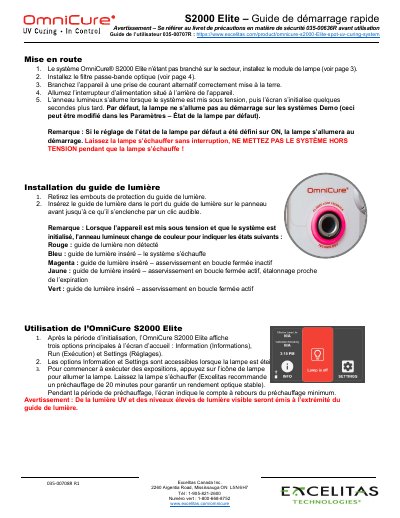
The Excelitas OmniCure S2000 Elite quick start guide (035-00708R R1) explains how to install the light guide, start the system, and run exposures. It describes the home screen options, exposure time and intensity settings, system locking, and use of the foot pedal or remote control on the rear 3.5 mm jack.
It also covers installing the lamp module and the interchangeable optical filter cartridge, including the two lamp types UV1 and UV3, the available filter ranges, and the colored light ring status indicators. The guide notes a recommended 20-minute lamp warm-up and directs users to the safety precautions booklet 035-00636R and user guide 035-00707R. This manual is written in French.
| Optical filter ranges | 400-500 nm, 365 nm, 320-390 nm, 250-450 nm, 320-500 nm, plus no filter and customer filter |
|---|---|
| Recommended lamp warm-up time | 20 minutes |
| Side panel screw tool | 3 mm Allen key |
| Filter mounting screws | M4 |
| Intensity control units | W/cm2 and W |
Remove the protective caps from the light guide and insert it into the front-panel light guide port until it clicks into place.
Red indicates that the light guide is not detected.
The default PIN is 1234.
Excelitas recommends a 20-minute warm-up for stable optical output.