
This is a user manual for the LITTLE LEAPS TM learning system. It contains information on how to use the product, its features and safety instructions.
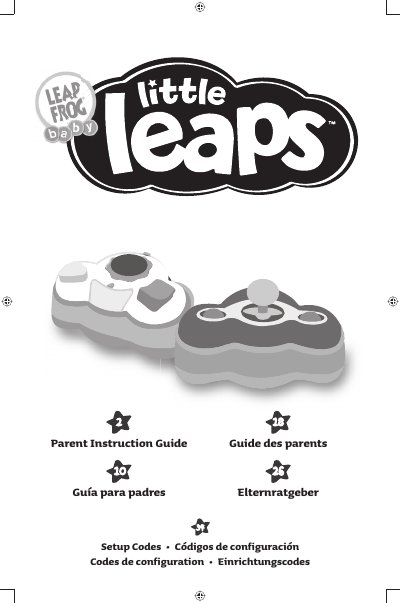
This Parent Instruction Guide covers the setup and operation of the Little Leaps Grow-with-Me Learning System. It explains how to use the activity controller in both Baby Mode and Toddler Mode, including how to navigate menus and interact with the system using the keypad and directional controller. The guide also details how to configure the system for different DVD players using Quick Setup or Manual Setup codes.
| Battery Type | 2 AA (LR6) alkaline batteries |
|---|---|
| Warranty Period | Three months |
The system requires 2 AA (called LR6 in some countries) alkaline batteries.
Press the blue button to scroll through options and the red button to select the desired language.
Try pressing the yellow setup button again, ensure the controller clicks securely into the base, and check that batteries are correctly installed.