
This manual introduces the features and characteristics of LDSBus Trailing Edge Light Dimmer. LDSBus Trailing Edge Light Dimmer can be integrated with dimmable LED lamps for adjusting the percentage of light dimming.
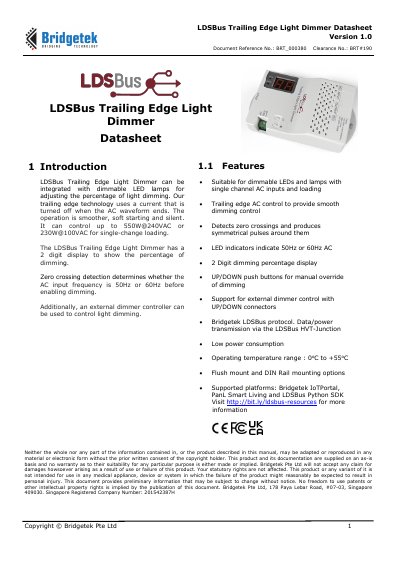
The Bridgetek LDSBus Trailing Edge Light Dimmer can be integrated with dimmable LED lamps for adjusting the percentage of light dimming. Its trailing edge technology turns off current when the AC waveform ends for smoother, soft starting and silent operation.
The dimmer has a 2 digit display, UP/DOWN push buttons, zero crossing detection for 50Hz or 60Hz AC, and support for external dimmer control. It offers flush mount and DIN Rail mounting options, with AC input of 100VAC to 240VAC and a maximum load of 550W at 240VAC.
| Maximum load | 550W@240VAC |
|---|---|
| Maximum current | 2.30A |
| AC input voltage | 100VAC - 240VAC |
| AC input frequency | 50Hz/60Hz, +/- 3Hz |
| Dimming range | 0% - 99% and FULL |
| Typical power | 390mW |
| Operating temperature | 0 to 55°C |
| Dimensions | L138.2mm x W76mm x H41.7 mm |
The maximum load is 550W at 240VAC.
Zero crossing detection determines whether the AC input frequency is 50Hz or 60Hz before enabling dimming.
The dimmer supports flush mount and DIN-Rail mount.