
Teltonika TRB140 - DrayTek 2915/2915AC - 4G Installation Guide

This document describes how to use Teltonika TRB140 and DrayTek 2915ac to connect 4G to the network
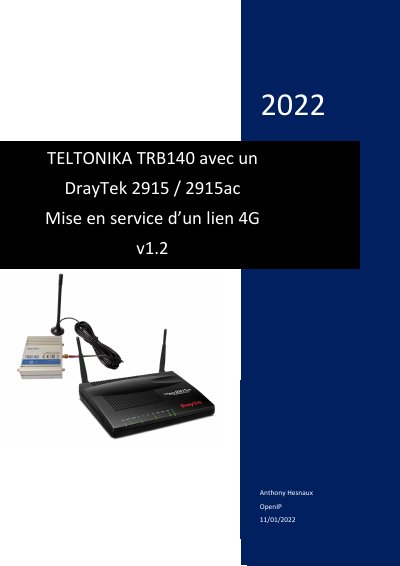

Teltonika TRB140 - DrayTek 2915/2915AC - 4G Installation Guide - cover page
Brand
Teltonika
Category
Router
Document type
Installation Guide
Language
French
Pages
12
File format
PDF
File size
1 MB
Published
02 November, 2023
Updated
02 November, 2023
MD5 checksum
8EAA77F0FE0422587EA8E1C6A78A3CEA

About this manual

This guide explains how to set up a Teltonika TRB140 4G router with a DrayTek 2915/2915AC router. It covers SIM card installation, TRB140 firmware update, configuration via web interface, APN setup, and bridge mode configuration. The guide also details how to configure the DrayTek router’s WAN2 interface for DHCP client mode and static IP assignment.

After completing the setup, the TRB140 will provide a fixed public IP address, enabling stable 4G connectivity for the network. This manual is written in French.

What's inside

  • Information
  • Installation de la carte SIM
  • Configuration du TRB140
  • Mise à jour du Firmware de la TRB140
  • Wizard de Configuration
  • Configurer la passerelle en mode Bridge
  • Mise en service du TRB140 avec un routeur DrayTek 2915ac

Frequently asked questions

What APN should I use for OpenSIM?

Set the APN to 'net26', Authentication Type to 'NONE', and PIN to '0000'.

What is the purpose of this guide?

This guide explains setting up a Teltonika TRB140 gateway with a DrayTek 2915 router for 4G service.

What is the default login username and password for the TRB140?

The default username is 'admin' and the password is 'admin01'.

What APN setting should be configured for the TRB140?

Set the APN to 'net26' with authentication type 'NONE' and PIN '0000'.

Download PDF (1 MB)

More Teltonika Manuals


View all Teltonika manuals →