
This manual introduces the hardware composition, interface description and usage methods of the G5 GNSS positioning system product.
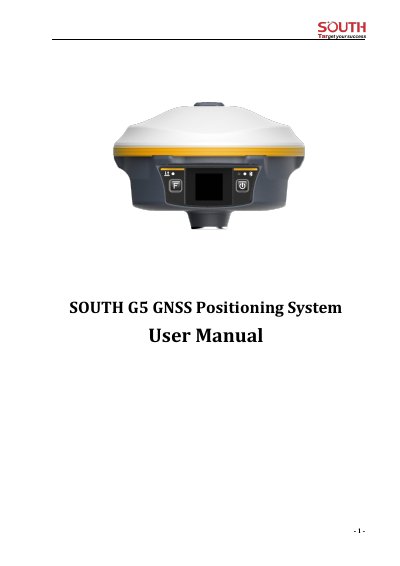
The SOUTH G5 GNSS positioning system user manual explains how to install, set up, and use the RTK system and its accessories. It introduces SOUTH Surveying & Mapping Technology CO., LTD and lists applications such as control survey, highway survey, CORS application, data acquisition, stakeout, electric power measurement, and marine application.
The manual describes the receiver components and bottom ports, indicators, keypad, touch screen, and receiver menus. It also covers Web UI management, accessories such as the instrument case, charger, cable, and UHF antenna, and provides G5 specifications including 1598 channels, 5 satellite constellations, and IP68 protection.
| Channels | 1598 |
|---|---|
| Satellite constellations | 5 |
| Frequencies | Up to 16 |
| UHF base working range | 10 to 15 km |
| Protection rating | IP68 |
| Battery life (static) | 20~25hrs |
| Weight | 1.35kg (battery included) |
| Display | 1.3-inch color touch screen |
| Internal storage | 16GB SSD internal storage standard |
| Internal UHF | 3W receiver and transmitter |
The SOUTH G5 has 1598 channels.
The G5's overall proof level is IP68.
In optimal conditions, the working range can be 10 to 15 km.
Users can operate the G5 by touch screen and key buttons.