
This manual introduces the installation method of WL Stick data logger.
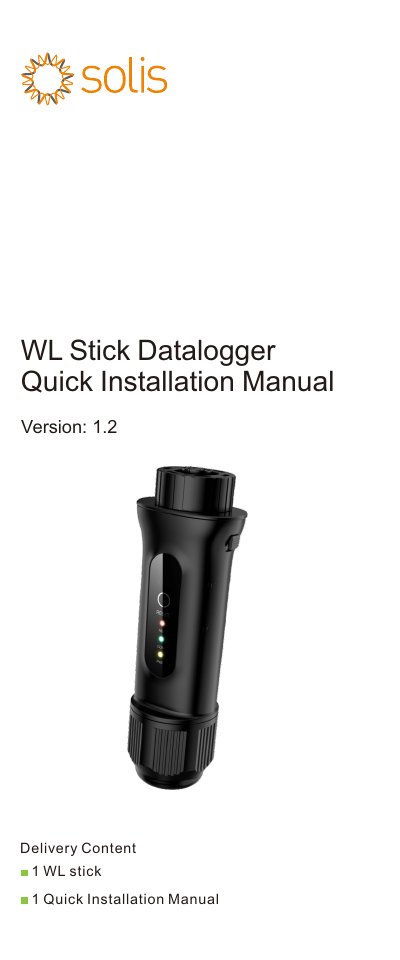
This manual covers the Ginlong WL Stick Datalogger. It describes installing the network cable, matching the joint and inserting the datalogger into the 4-pin COM port of the inverter, and connecting multiple inverters with RS485 communication cables in a hand-in-hand manner.
It also explains the LED indicators and front button, LAN configuration with a static IP address, and WiFi configuration through the Solis Cloud app, including scanning the datalogger SN. FCC certification and contact information for Ginlong Technologies are included.
| Network cable diameter | Greater than 4mm |
|---|---|
| Cable connection end diameter | About 3.5mm after it is completely fastened |
| Minimum operating distance | 20cm |
The default password for the datalogger hotspot (Solis_serial number) is 123456789.
Long press the front button for over 10 seconds until only the red light is on to reset the connection. A short press will send the data immediately.
The three constantly ON LED lights indicate the datalogger is working normally.