
This document introduces the functions and features of the TZ SlideHandle™ product, including the components of the product, installation steps, usage methods and precautions.
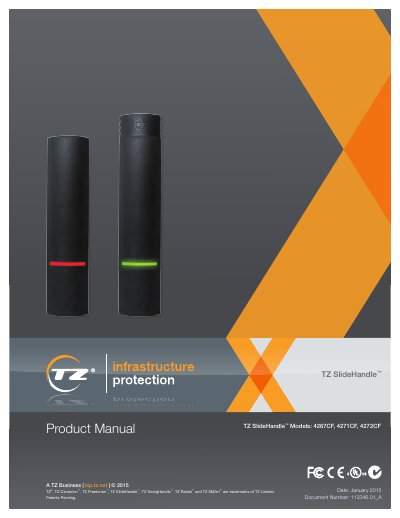
TZ SlideHandle is an intelligent locking device that offers a drop-in replacement for legacy manual swing-handle data center cabinet locks. The document covers models 4267CF, 4271CF, and 4272CF and describes the device, package contents, features, system example, electrical connections, LED display, opening and closing, key use, and installation.
The handle integrates a Shape Memory Alloy actuated locking mechanism, touch-to-release option, multi-color LED status indicator, manual key override, electronic door status sensor, and RJ-45 connector. It is powered and controlled through standard UTP Cat5e/Cat6 cabling via a TZ Praetorian Junction or TZ Centurion Bridge, and can be firmware configured for direct connection to a relay output or dry contact closure system using a TZ Port Link device.
| Models | 4267CF, 4271CF, 4272CF |
|---|---|
| Cabling | Standard UTP Cat5e / Cat6 |
| Maximum cable length | Up to 100 m |
| Communication | RS-485 serial communication |
| Connector | RJ-45 |
| Mounting opening width | 25 mm |
| Status indicator | Multi-color LED |
| Manual override | Integrated manual key override |
The manual covers TZ SlideHandle models 4267CF, 4271CF, and 4272CF.
It is powered and controlled via standard UTP Cat5e / Cat6 cabling through a TZ Praetorian Junction or TZ Centurion Bridge; it can also be firmware configured for direct connection to a relay output or dry contact closure system using a TZ Port Link device.
A solid red LED indicates the SlideHandle is closed and locked and the door is closed.
The standard package includes one TZ SlideHandle 4200 Series, one magnetic reed door sensor, an installation flyer, and an accessory kit.