
This manual describes how to install and use PixiePlus device control modules
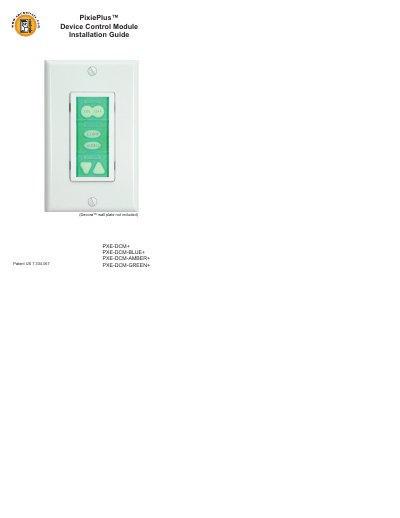
The PixiePlus PXE-DCM+ is a single-gang AV control device with a modular button interface for controlling display devices. The document covers the PXE-DCM+, PXE-DCM-BLUE+, PXE-DCM-AMBER+, and PXE-DCM-GREEN+ models; the PXE-DCM+ ships with a circuit board, seven white button inserts, a cable assembly with one RS232/IR transmitter, a 6 VDC regulated power supply, bezels, mounting screws, and a paper clip.
The installation guide presents safety instructions and an electrical warning, then explains the installation overview, wiring the PixiePlus to a display device, controller installation, programming, special feature configuration, cloning, complete installation, operation, troubleshooting, and technical specifications. It also notes that a Leviton Decora wall plate and single-gang back box are not included.
| Power input | 6 VDC, 300 mA |
|---|---|
| Maximum RS232/IR transmitters | Up to ten per PixiePlus |
| Commands per button | Up to four, as a macro or in round robin |
| Mounting | Single-gang wall box (optional) |
| Wall plate compatibility | Leviton Decora wall plate (not included) |
| Recommended wiring | 18-, 20-, or 22-gauge stranded copper cable |
It is a single-gang AV control device with a modular button interface for controlling display devices.
One PixiePlus can drive as many as ten 232/IR transmitters.
No. The guide says never to install the PixiePlus in an electrical back box containing high-voltage wiring.
Each button can be programmed to send up to four commands, as a macro or in round robin.