
This is an installation guide that describes the steps to install Easyzone
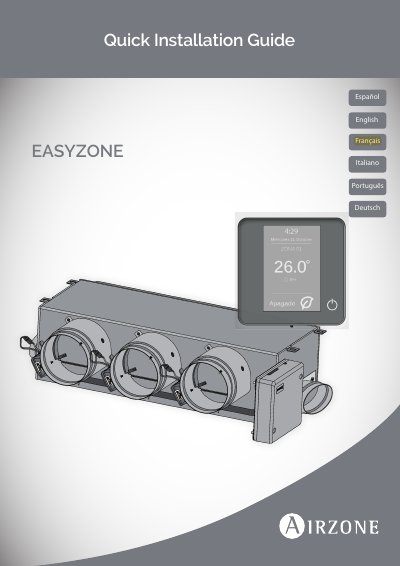
Airzone Easyzone is an air-conditioning zoning system installed in the indoor unit, with motorized plenums, airflow registers, thermostats and a central board. This quick installation guide covers precautions, general prerequisites, mounting Easyzone and its ventilation intake, installing thermostats, wiring the central board, reset procedures, initial and advanced configuration, and airflow regulation.
The document lists the Airzone cable, 110/230 Vac power wiring, the CR2450 thermostat battery and a recommended maximum thermostat distance of 40 m. It also describes Blueface, Think and Lite thermostat configuration, system and zone reset, and bypass register mounting. This manual is written in French.
| Central board power supply | 110/230 Vac |
|---|---|
| Power cable | 3 × 1.5 mm² |
| Airzone bus cable | Shielded twisted 4-wire cable: 2 × 0.22 mm² and 2 × 0.5 mm² |
| Maximum recommended thermostat distance | 40 m |
| Radio thermostat battery | CR2450 coin cell |
The Airzone cable has two wires of 0.22 mm² and two wires of 0.5 mm².
The recommended maximum distance for the thermostat is 40 meters.
The radio thermostat uses a CR2450 coin cell battery.
Press SW1 until LED 19 stops blinking, wait for the LEDs to return to their normal state, then configure the system again.