
This manual provides basic information on the Lumina Power LDN-600/1000/1500/2000 series CW laser diode driver power supplies, including product description, schematic diagram, specifications table, interface description, installation and operation instructions, etc.
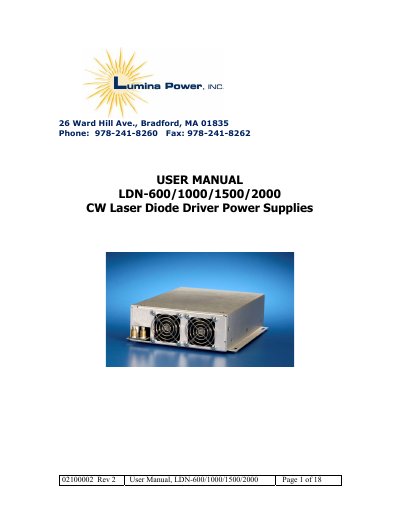
The LDN Series from Lumina Power is a line of high power CW laser diode driver power supplies with four power levels from 600 to 2000 W. It is a programmable current source that delivers constant current set by the Iprogram(+) input and provides a 15-pin D-sub interface with Enable, Interlock, monitors, pulse input, and auxiliary +5 V and ±15 V outputs.
The manual covers the series description, symbol and safety notes, theory of operation, specifications, interface pinout, and installation and operation. It also includes warranty and service information and warns that the equipment produces lethal high voltages and must be installed and serviced only by qualified service personnel.
| Power levels | 600 to 2000 W |
|---|---|
| Maximum output compliance voltage | 200 V |
| Interface connector | 15-pin D-sub female |
| Current program | 0–10 V for 0 to maximum current |
| Efficiency | >87% when Vout max >15 V |
| Power factor | >.98 |
| Operating temperature | 0 to 40 °C |
The model designation begins with the power level, then maximum output current, then maximum output voltage; for example, LDN-2000-40-50 is 2000 W, 40 A, 50 V.
Output current is set by a 0–10 V analog signal applied to Iprogram(+) on pin 7; 0–10 V corresponds to 0 to maximum current.
A high signal of +5 V to +15 V on pin 1 turns the output on; 0 V turns it off. The Enable signal must be applied after AC power and fans are running.
Above 65 °C on the main heat sink the Over-Temp Warning goes TTL high; above 75 °C the unit shuts down.