
This is a manual for a PID temperature controller, which includes function introduction, operation method and parameter setting
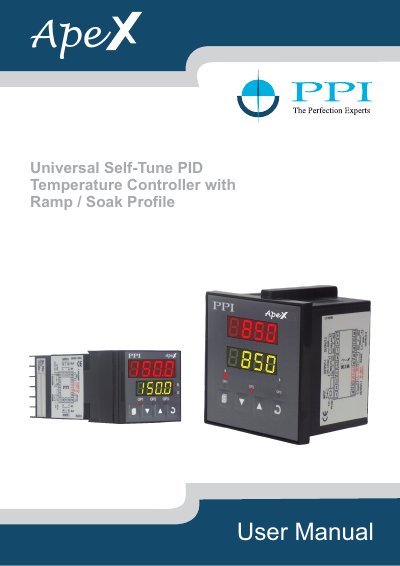
This user manual explains how to operate and configure the Ape 96 Ape R S temperature controller. It covers front panel layout, basic operation, setup mode, I/O configuration, PID control, profile settings, supervisor parameters, hardware assembly, and electrical connections. The controller features a digital display, LED indicators, and keys for navigating and adjusting settings. It supports ramp and soak profile operations, alarm functions, and auxiliary controls via OP2 and OP3 outputs. The manual includes instructions for adjusting setpoints, entering setup mode, and managing profile cycles.
It usually displays the PV (Process Value).
It usually displays the SP (Control Setpoint) value.
Use the UP and DOWN keys to adjust the SP value. Press and release the ENTER key to register and store the new value.
The set-up mode times out and reverts to the MAIN Display Mode.