
BYD Battery-Box Premium HVS / HVM Service Guide, introduces the maintenance methods of this product
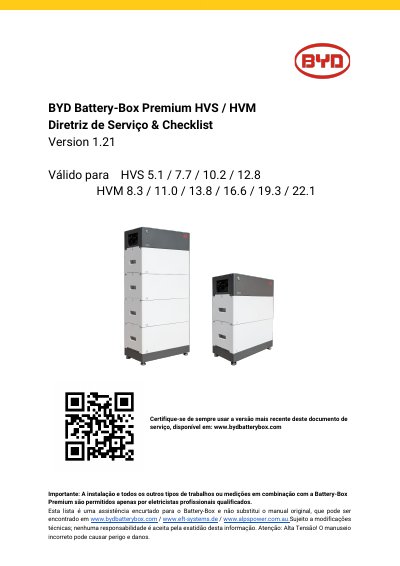
This service guide and checklist, version 1.21, applies to BYD Battery-Box Premium HVS 5.1 / 7.7 / 10.2 / 12.8 and HVM 8.3 / 11.0 / 13.8 / 16.6 / 19.3 / 22.1. The document is written in Portuguese and is intended for qualified professional electricians; it states that it is a shortened aid for the Battery-Box and does not replace the original manual, with the latest version available at www.bydbatterybox.com.
It covers general steps, error analysis for BCU, inverter communication, firmware and app configuration, Be Connect Plus, BCU LED event codes, visual inspection, voltage measurement, identifying a faulty module, and service tasks such as BCU and module replacement. A service checklist and contact information are included, and the document warns of high voltage.
| Minimum module quantity | HVS: 2 modules; HVM: 3 modules |
|---|---|
| BCU components | BMU and BMS |
| BMS firmware update time | Up to 15 minutes |
| Default Wi-Fi password | BYDB-Box |
It is valid for HVS 5.1 / 7.7 / 10.2 / 12.8 and HVM 8.3 / 11.0 / 13.8 / 16.6 / 19.3 / 22.1.
Only qualified professional electricians.
The document states the Wi-Fi password is BYDB-Box.
It can take up to 15 minutes after the BMU update and stable inverter communication.